Choosing construction process simulation software
Many tools can produce a video of a construction process today. Whether software suits you shows up elsewhere: how quickly you get to a result and how easily you keep working afterwards. These eight questions help you compare.
Request a demo on your process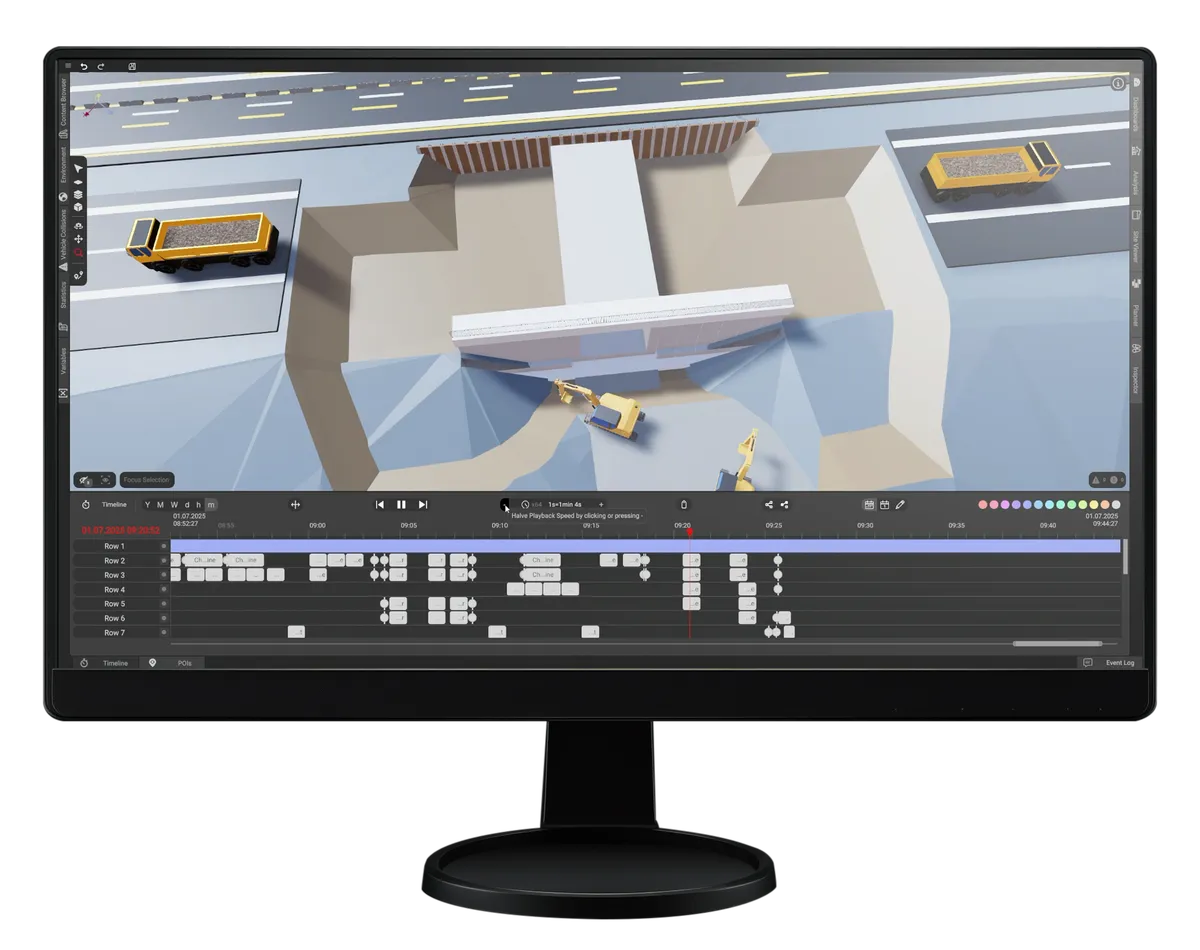
The video isn’t the difference
Whether 4D tool, animation software or simulation: in the end you almost always see components, machines and vehicles moving across the site. For presentations, coordination and spotting obvious mistakes, that is often enough. The difference lies before and after the video.
How do you get to the result?
Does every movement have to be animated by hand? Do you need a specialist who is the only one in-house who knows how? Do you jump back and forth between schedule, model and animation?
What do you do with it next?
When an assumption falls over in the meeting: do you rebuild everything, or recalculate? Does the next project of the same type get faster?
If both are quick and easy, simulation becomes a working tool you iterate with. If the process only needs to look good once, other tools can do that too.
More on the difference between showing and calculating:Simulation vs visualization: more than moving pictures
Three kinds of tools
The boundaries are fluid, and individual products may do more or less than described here. The overview therefore shows typical ways of working, not individual products.
| Criterion | 4D visualizationModel linked to schedule | 3D animationAnimation and rendering software | Construction process simulationProcess is calculated |
|---|---|---|---|
| Where do durations and movements come from? | From the schedule, fixed in advance | Animated by hand | From productivity rates, equipment and dependencies |
| When an assumption changes | Adjust the schedule by hand, relink it | Rebuild parts of the animation | Recalculate the process |
| Equipment, areas, logistics | Usually just components with dates | Visible, but with no logic behind them | Built into the model, conflicts become visible |
| Comparing variants | A separate schedule for each variant | A separate animation for each variant | Run variants, compare results side by side in dashboards |
| Next project | Neu aufsetzen | Neu aufsetzen | Reuse templates and your own equipment |
| Strength | Presenting the schedule clearly | High-quality visuals for presentations and the public | Testing constructability and comparing variants |
8 questions for your software comparison
Ask every vendor these questions, including us. Below each question you’ll find what a good answer looks like.
Where do the durations and movements come from?
Are they calculated from quantities, productivity rates and equipment, or does the software take them from a schedule or from keyframes someone sets by hand?
Good answerDurations and movements follow from productivity rates, equipment and dependencies. Model and process are linked in one tool.
What happens when an assumption changes?
A second excavator, a blocked access road, a shorter track possession: how long until you see the result?
Good answerYou change the assumption and the process is recalculated, not rebuilt.
Are equipment, staff and areas part of the model?
Or are only components linked to dates? Only once the crane, trucks and storage area are in the model does it show whether they get in each other’s way.
Good answerSpatial and temporal dependencies become visible in the model, for example when two activities need the same space or the same equipment.
Who on the team can work with it?
Does it take specialist knowledge that only one person in the company has? What happens when that person is away?
Good answerThe team is set up and trained, then works independently. Knowledge of how the company builds lives in the model, not just in individual heads.
Does each project get faster than the last?
Can recurring processes and your own equipment be set up once and reused?
Good answerYour own processes and equipment can be saved as templates and reused on the next project.
Do you get figures or just a picture?
Can resources, quantities and times be analyzed and variants compared?
Good answerResources, quantities and times can be analyzed. You compare variants on a solid basis.
How do you share the results?
Does everyone involved need their own license, or is a browser enough? Can they comment?
Good answerStakeholders can view and comment on results without their own license, for example in a browser, even on a tablet on site.
Where is your data stored, and how is it billed?
Does your data go into a third-party cloud? Do costs rise with every use or every project?
Good answerYou know where your data is stored and decide for yourself what leaves your company. Costs are predictable and don’t rise with every project.
Tip for every demo: change an assumption live
Don’t settle for a finished video. Ask for an assumption to be changed during the demo, such as an extra piece of equipment, a blocked access road or a shorter time window. Watch how long it takes for the new result to appear, and whether the software shows the consequences itself or someone updates them by hand.
Not every project needs a simulation
When a 4D tool or an animation is perfectly enough
A conventional tool is often enough when
- the schedule is fixed and mainly needs to be presented clearly,
- you need visuals for public relations, community information or sales,
- the process is simple, there is enough space and no tight time windows loom,
- geometric clashes between components are the main concern (clash detection).
Simulation pays off where things get tight: short track possessions, confined sites, many trades at once, scarce equipment, high contractual penalties.
What simulation is not
- Not a modeling tool.
- The simulation takes an existing model, for example in IFC or FBX format. If there is no model, we create one from drawings, point clouds or as-built documents.
- Not a replacement for your scheduling software.
- The simulation tests the process, and the results feed back into your planning.
- Not software just for specialists.
- And if you don’t have the capacity yourself, ourprocess engineering team runs the simulation for you.
“Until now, BIM has focused on the initial state and the finished end state, but not on the question of which construction processes take us from state A to state B. dProB lets us answer that question.”
 Christian FreyBIM Specialist, Augsburg Network Portfolio and ULA, DB InfraGO AG
dProB is the first generation of our simulation software.
Before you decide
What people ask us most often when comparing construction process simulation software.
See all questionsYes. A simulation complements your existing tools rather than replacing them. You bring in your model, test the construction process in the simulation and feed the results back into your schedule.
Ask where the durations come from and what happens when an assumption changes. If the durations are fixed in the schedule and someone has to rework things by hand after every change, it is a visualization. The quickest way to find out is to have an assumption changed live during a demo.
Yes. We usually start with a personal demo on a process similar to your project and change the assumptions that are critical for you live.
Compare on your own construction process

Tell us briefly about your project. In a demo, we’ll show you how a simulation works on a similar process and change the assumptions that are critical for you live.
Thank you! We will get back to you shortly.