
Simulate construction processes in advance
Calculate complete construction processes from real project and construction data, spot conflicts early, compare scenarios and safeguard decisions before they get expensive on site.
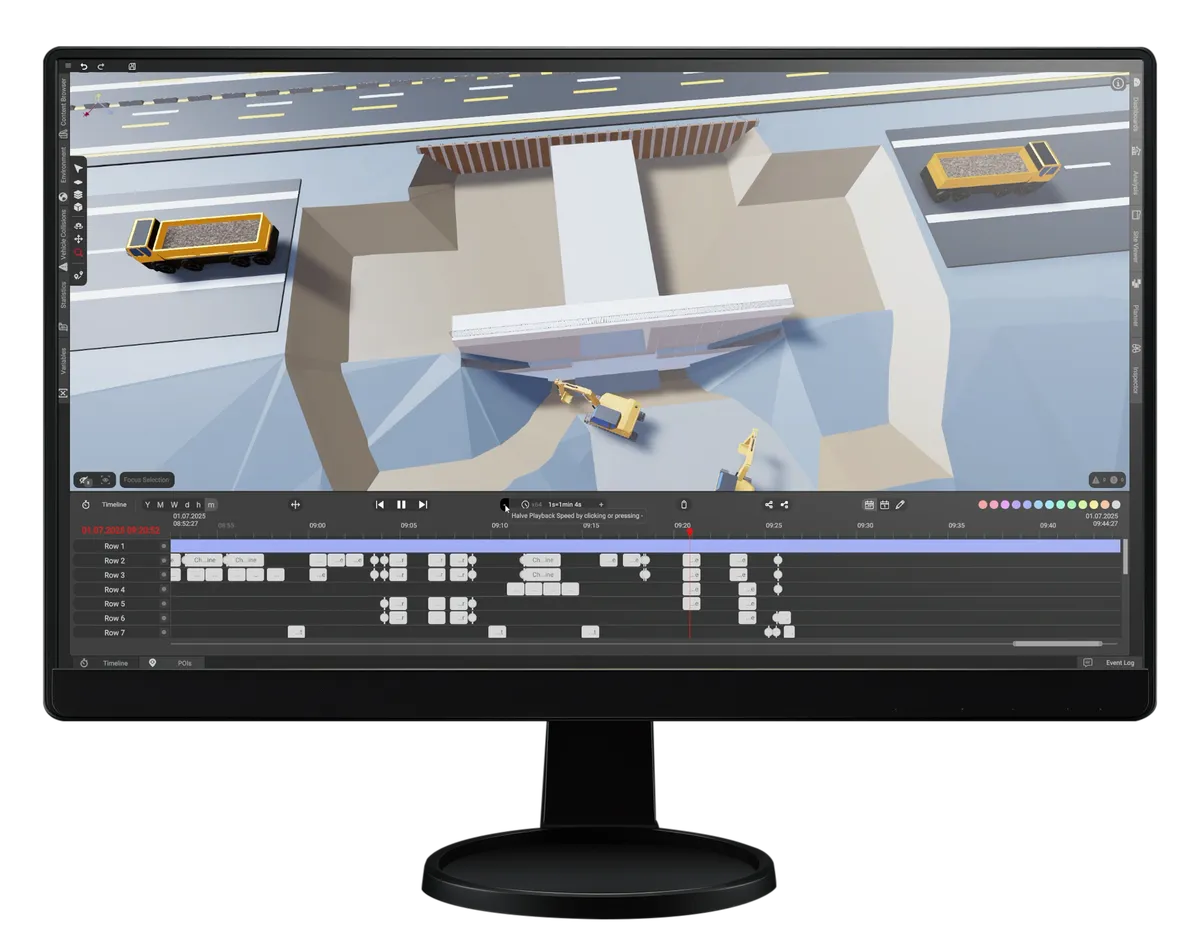
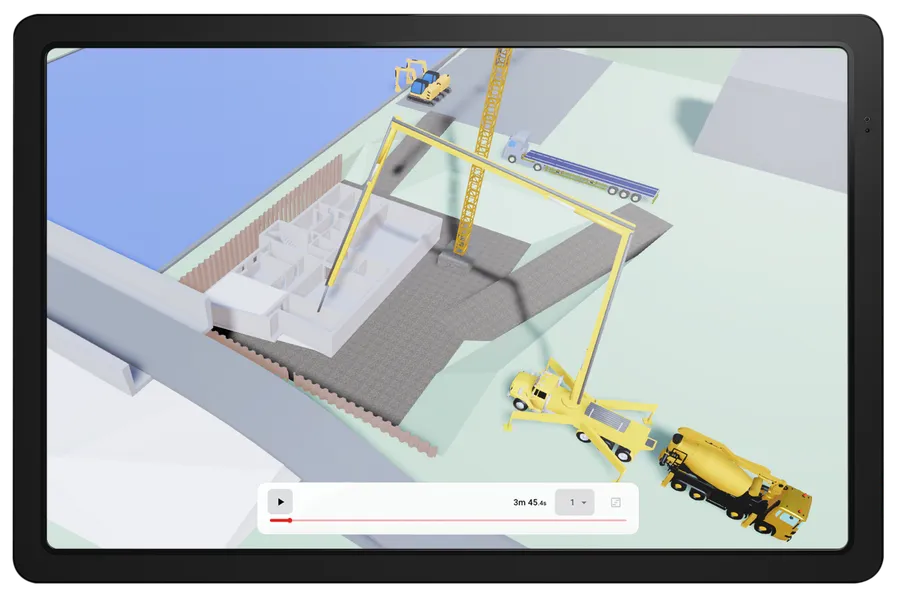
Simulate your project yourself with dProB
Instead of outsourcing the simulation, you run dProB inside your own company — with all the advantages that brings.
Full control
You stay in charge — from setting up the simulation to the analysis, without depending on external service providers.
In-house know-how
Your team learns how a simulation is built and keeps that knowledge in the company for good.
Predictable costs
The monthly license fee stays the same — however often or intensively you use the software.
Faster with every project
For recurring processes you create company-specific templates and set up your preferred machines once in the equipment library.
Your process knowledge stays in-house
How your company builds is captured in the model, not only in the heads of individual foremen.
As many projects as you like
Work on any number of projects at the same time — with no extra restriction.
What moves your project forward
Plan, spot, decide.
Make conflicts visible
4D construction process simulation
Everyone on the same version
Numbers, not gut feeling
How you get started with dProB
From the first system check to productive use in the project — in three clear steps.
Check the system requirements
We go through your hardware and IT requirements together so that dProB runs smoothly from the start.
Purchase a license
You choose the license that fits — from a single seat to an enterprise solution — and get access straight away.
Onboarding
Your team is set up and briefed so you can start on your first project right away.

The upgrade for your simulation. Optimize and validate execution variants independently of device and location — faster and more intuitively than ever with simbox.
The right package for your project
Whether a single user, an established planning team or a whole organization — pick the license that suits how you work. All packages include technical support and, where needed, user training.
Personal
The ideal entry point for BIM managers and freelancers who want to work dProB into their day-to-day themselves.
Team
For teams working together on the same project — with shared access to projects, templates and equipment libraries.
Enterprise
Always an individually tailored package — made to measure for large organizations with particular requirements.
Not sure which package fits? We are happy to advise you and find the right license model for your project together.
Frequently asked questions
Here you will find answers to the key questions about our products, how they are used and everything to do with licenses and billing.
See all questionsA 4D simulation links the three-dimensional building model with the fourth dimension, time. In dProB you import your BIM model, assign activities, equipment, resources and dependencies to the components and play the construction process back at any point — fast-forward and rewind like an interactive video. A Gantt-style view places the activities on the timeline, and resource totals appear in dashboards. All results are based on your own inputs.
dProB imports geometry via IFC and FBX, track alignments via DXF and LandXML, and images in PNG and JPG format. There is also a self-scriptable XML workflow for individual data handovers. Export from dProB is in CSV format.
The minimum requirement for dProB is Windows 11 with an Intel Core i5-12600, AMD Ryzen 5600 or comparable, 32 GB RAM, an NVIDIA GeForce RTX 3060, AMD RX 6600-XT or comparable, and 10 GB of free disk space. Recommended are an Intel Core i7-13700 or AMD Ryzen 7700, 64 GB RAM and an NVIDIA GeForce RTX 4060 or AMD RX 7600-XT. The more detailed the planning and simulation, the more powerful the hardware should be. BII GmbH publishes the current version of these requirements in the user forum.
Pricing for dProB depends on the license model, the number of users and the scope, and is quoted individually on request. Tell us briefly about your project — via the contact form, by email to contact@bii-gmbh.com or by phone on +49 151 11659235. We get back to you within one working day and go through the details and the process with you.
Make your decisions before the site makes them for you.

Tell us briefly about your project — we will show you dProB in a personal demo and get back to you within one working day.
Vielen Dank für Ihre Nachricht!
Wir melden uns in Kürze bei Ihnen.